Instagram is full of videos, Reels, Stories, photos, and other content that people may want to save for later. Whether you are a content creator collecting references, a marketer researching social media content, or simply trying to save a public video for personal viewing, an Instagram downloader can make the process easier.
If you are searching for a free Instagram video download, there are many websites and applications available, but they are not all the same. Some focus only on videos, while others support Instagram Reels, Stories, photos, or multiple types of media. Some work directly in a browser, while others require an application.
In this guide, we have compared 10 free Instagram video downloaders based on their features, ease of use, supported content, free availability, and overall user experience.
You will also find a simple guide explaining how to download Instagram videos, Reels, Stories, and photos, what to look for when choosing an Instagram video downloader, and important privacy and copyright considerations.
Note: Only download or reuse Instagram content when you have the necessary permission or when your intended use is permitted by applicable laws and the platform’s terms.
Table of Contents
- Best Free Instagram Video Downloaders
- Quick Comparison Table
- 1. VideoHunter
- 2. Inflact
- 3. SnapInsta
- 4. IG Downloader
- 5. Qoob
- 6. SaveInsta
- 7. InDown.io
- 8. IGSaved
- 9. SmallSEOTools
- 10. FastDL
- What Is an Instagram Video Downloader?
- How to Download Instagram Videos
- How to Download Instagram Reels
- How to Download Instagram Stories
- How to Download Instagram Photos
- Downloading on Android & iPhone
- How to Choose the Best Downloader
- Are Free Instagram Downloaders Safe?
- Is Downloading Instagram Videos Legal?
- Final Verdict
- Frequently Asked Questions
Best Free Instagram Video Downloaders (2026 Guide)
Instagram doesn’t give users a built-in way to save videos, Reels, Stories, or photos to their device — which is exactly why a good free Instagram video downloader has become such a useful tool for everyday users, marketers, and content researchers alike.
In this guide, we’ve compared ten of the most commonly used Instagram downloading tools — covering what each one supports, where it works best, and what to watch out for — so you can pick the best Instagram downloader for your actual need instead of the first result that shows up in search.
This comparison is brought to you by WebGi Solutions, a technology and digital growth company that also helps businesses turn their Instagram presence into real, measurable growth.
If your goal goes beyond just saving the occasional video and you’re actually trying to grow a brand or business on Instagram, it’s worth pairing any downloader with a proper social media marketing strategy rather than relying on downloaded content alone.
Quick Comparison: Best Free Instagram Video Downloaders
| Downloader | Videos | Reels | Stories | Photos | Online | Free Option |
|---|---|---|---|---|---|---|
| VideoHunter | ✓ | ✓ | — | ✓ | Yes | Yes |
| Inflact | ✓ | ✓ | ✓ | ✓ | Yes | Limited |
| SnapInsta | ✓ | ✓ | ✓ | ✓ | Yes | Yes |
| IG Downloader | ✓ | ✓ | ✓ | ✓ | Yes | Yes |
| Qoob | ✓ | ✓ | ✓ | ✓ | No | Limited |
| SaveInsta | ✓ | ✓ | ✓ | ✓ | Yes | Yes |
| InDown.io | ✓ | ✓ | ✓ | ✓ | Yes | Yes |
| IGSaved | ✓ | ✓ | — | ✓ | Yes | Yes |
| SmallSEOTools | ✓ | ✓ | — | ✓ | Yes | Limited |
| FastDL | ✓ | ✓ | ✓ | ✓ | Yes | Yes |
VideoHunter
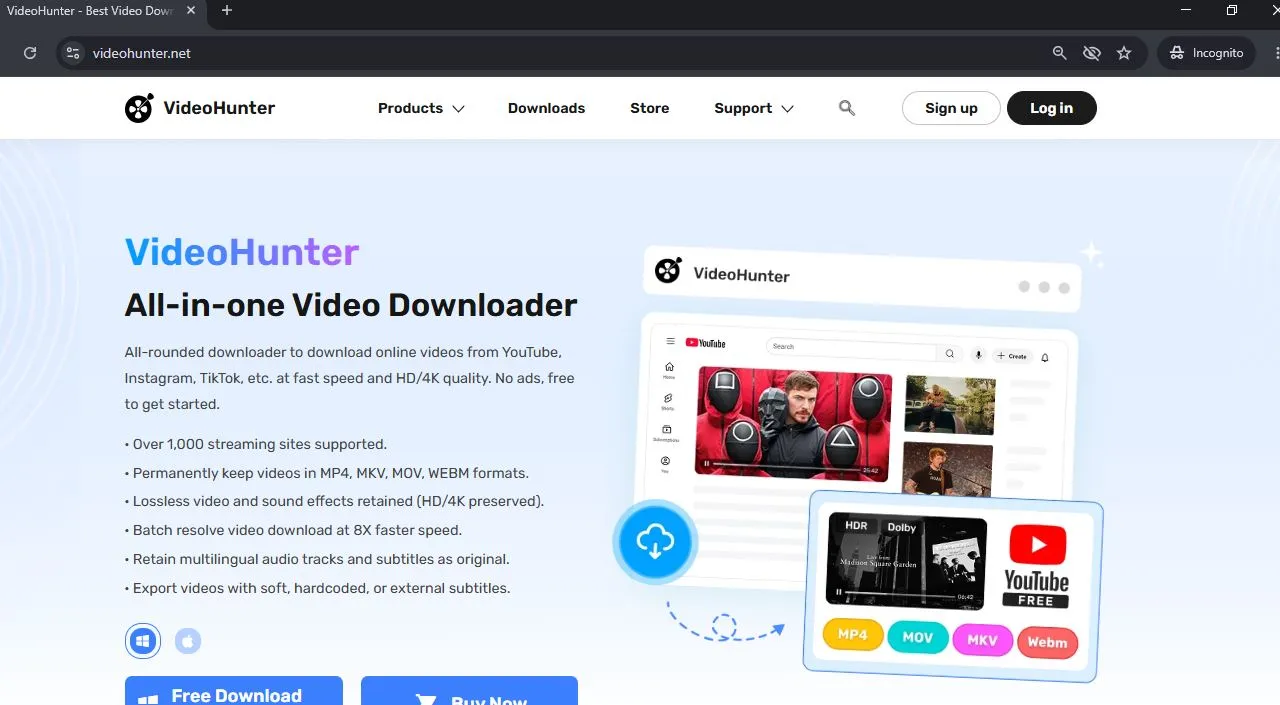
VideoHunter is built for people who want to save online video content in different formats and resolutions — not just from Instagram. For a free Instagram video download option where quality and format flexibility matter, it’s worth a look.
Pros
- Easy-to-understand interface
- Useful quality options
- Good for frequent video downloaders
Cons
- Some features need a paid plan
- Free tier has limitations
Inflact
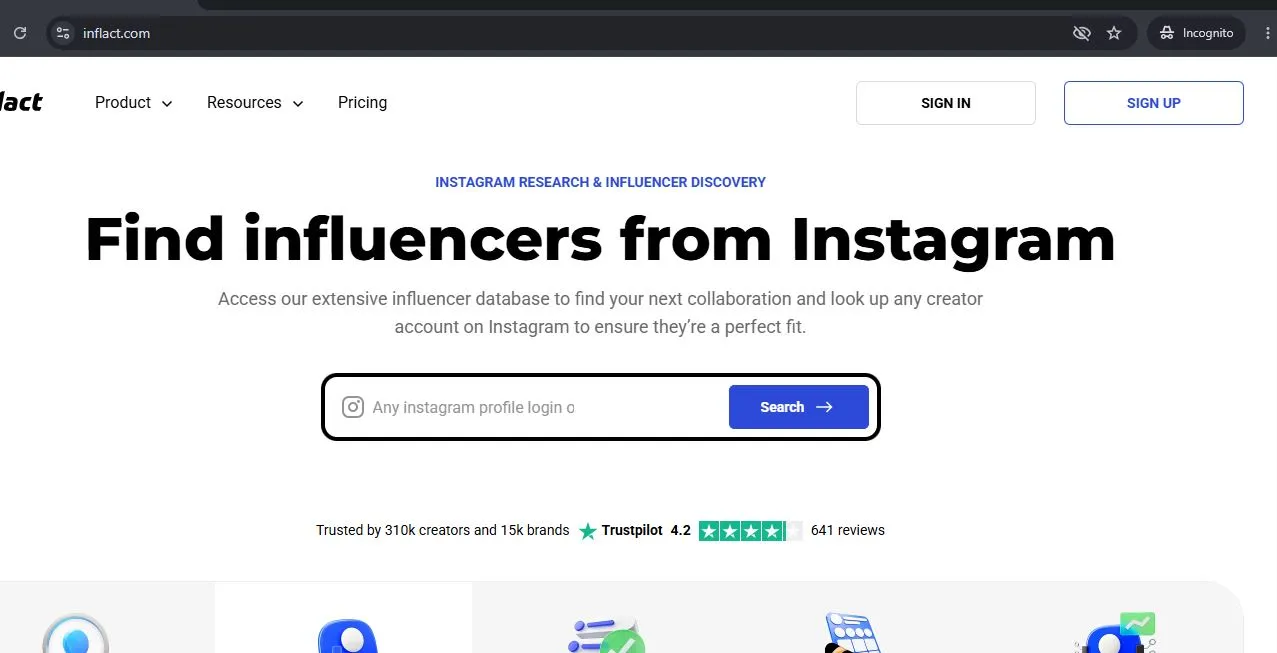
Inflact is a broader Instagram marketing and management platform that happens to include downloading functionality too. It’s a stronger fit for marketers and businesses who want more than a bare-bones downloader.
Pros
- More than just a downloader
- Useful for marketers and brands
Cons
- Can feel overwhelming for beginners
- Some features are paid-only
SnapInsta
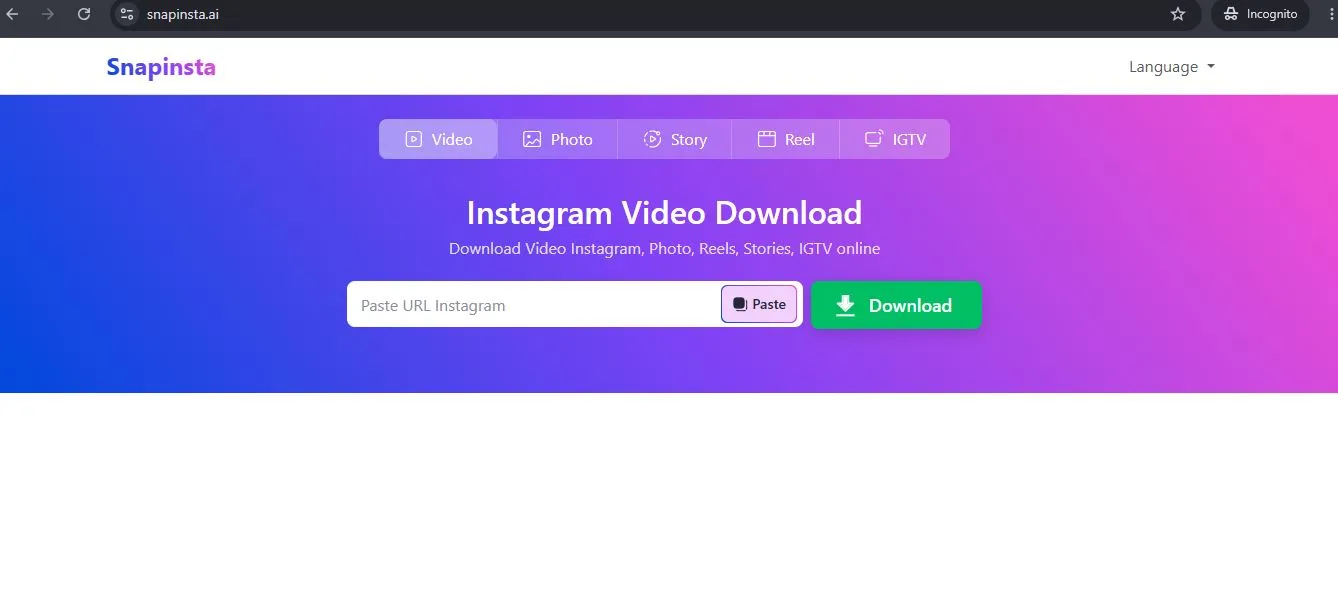
SnapInsta lets you save supported Instagram videos, Reels, photos, and Stories directly from a browser — no app install or account required. It’s a simple copy-paste-download workflow, ideal for a quick free Instagram video download.
Pros
- No app installation needed
- Supports multiple content types
- Works on desktop and mobile
Cons
- Availability can change over time
- Intended for public content only
IG Downloader
IG Downloader keeps things simple for people who don’t need advanced content-management features and just want a quick Instagram video download through an easy interface.
Pros
- Simple, easy-to-follow workflow
- Good for occasional use
Cons
- Limited advanced functionality
- Features may change over time
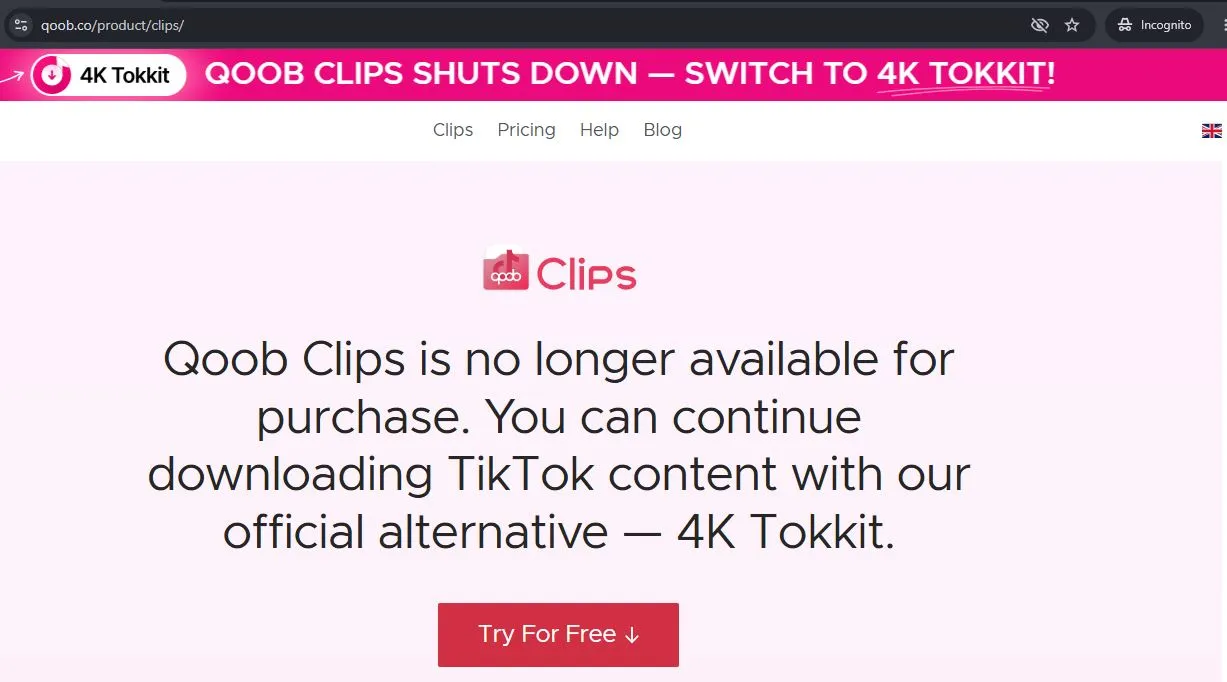
Qoob
Qoob is built for users who need more extensive Instagram content downloading and management — a good fit for content researchers and marketers handling larger volumes of content.
Pros
- More advanced than a basic downloader
- Useful for larger downloading needs
Cons
- Can be complex for beginners
- Some features require payment
SaveInsta
SaveInsta is a browser-based downloader supporting Instagram videos, Reels, Stories, photos, and carousels — with a straightforward, URL-based process and no software installation required.
Pros
- Simple URL-based workflow
- Supports multiple content types
Cons
- Features and availability can change
- Third-party service, not Instagram-owned
InDown.io
InDown.io is an online Instagram downloading service built around a simple browser experience — no separate application needed, just copy the link, paste it, and download.
Pros
- Browser-based, no installation
- Convenient for occasional downloads
Cons
- Features can vary over time
- Supported content may change
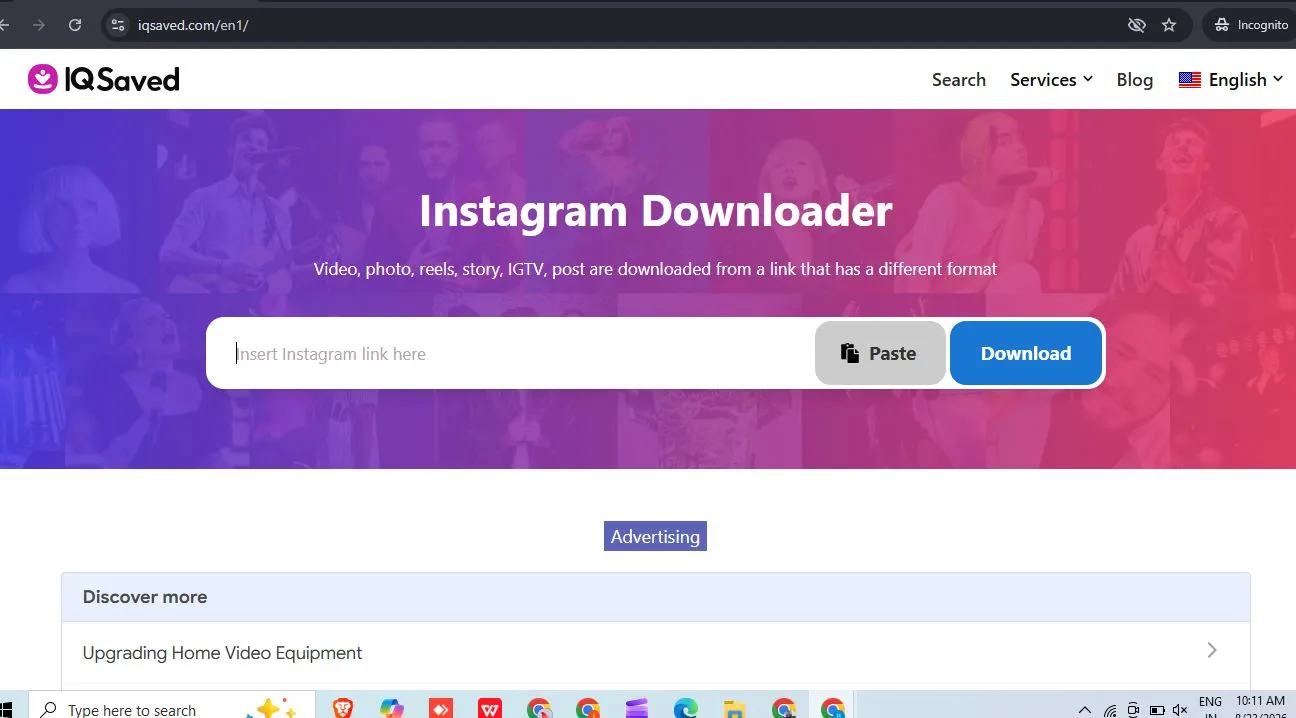
IGSaved
IGSaved offers a browser-based way to save Instagram media without complicated software — a convenient multi-purpose option for both video downloads and photo saving.
Pros
- Easy to use
- Supports more than one media type
Cons
- Advanced functionality is limited
- Supported content can change
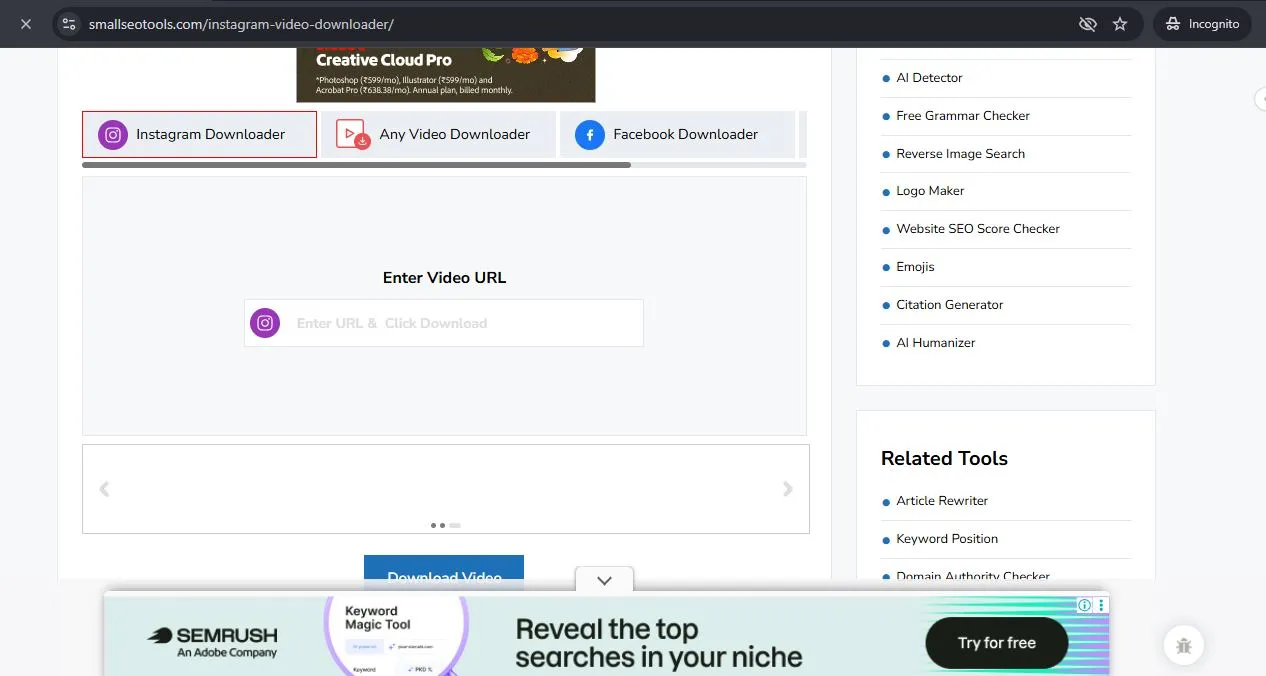
SmallSEOTools
SmallSEOTools offers a large collection of online utilities for SEO, content, and marketing tasks, with an Instagram downloader tucked in among them — handy if you already use the platform’s other tools. If SEO tooling is part of your workflow, it’s worth pairing this with a dedicated SEO strategy rather than relying on free utilities alone.
Pros
- Large collection of tools in one place
- Useful for marketers and SEO professionals
Cons
- Large tool list can feel distracting
- Some usage limitations apply
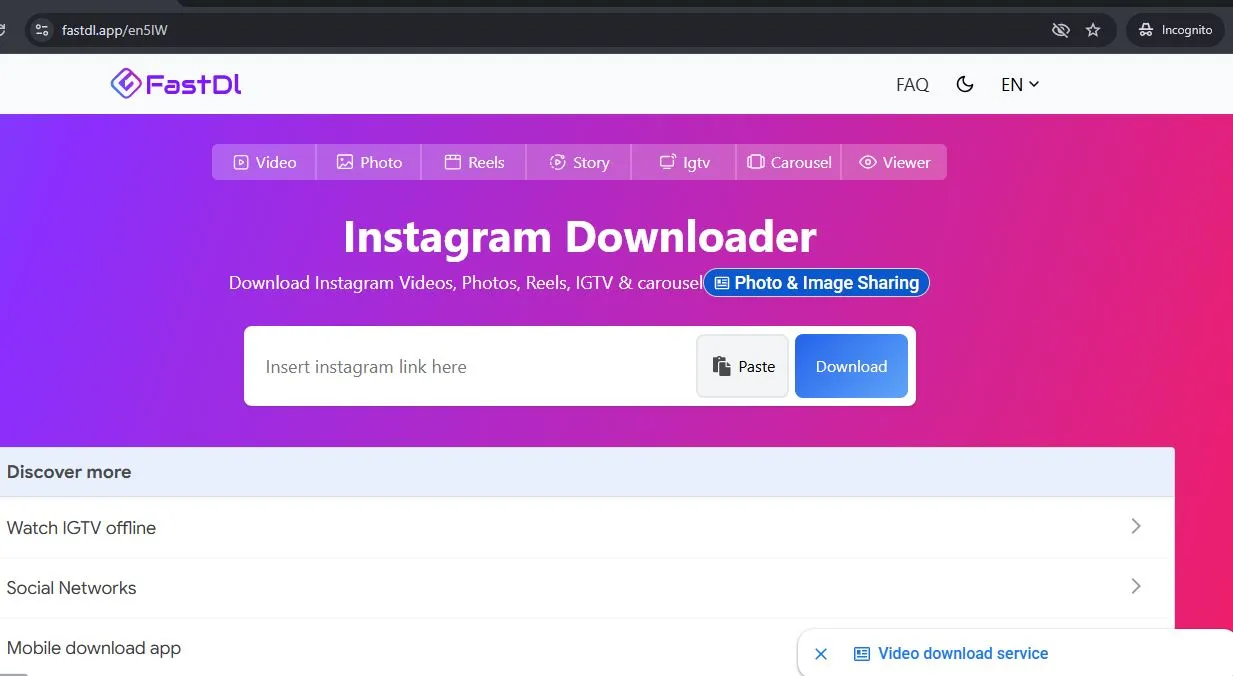
FastDL
FastDL is a browser-based downloader supporting Instagram videos, Reels, photos, Stories, IGTV, and carousels — with no account or software install needed for the online version.
Pros
- Works on mobile and desktop
- Simple URL-based process
- Supports multiple content types
Cons
- Features can change with Instagram’s systems
- Third-party, not affiliated with Instagram
What Is an Instagram Video Downloader?
An Instagram video downloader is an online service, app, or tool that lets users save publicly available Instagram media to their own device. Depending on the tool, it may support videos, Reels, Stories, photos, and carousel posts.
The process is usually the same everywhere: copy the URL of the content, paste it into the downloader, and save the file. Some tools stop there; others add batch downloads, format selection, quality options, or broader Instagram management features.
How to Download Instagram Videos
Open Instagram and find the video you want to save.
Copy the post’s share link.
Open a downloader that supports that content type.
Paste the URL into the input box.
Select download and save the file.
Exact buttons and steps vary slightly between websites, but this basic flow works across almost every tool on this list.
How to Download Instagram Reels
Reels are one of Instagram’s most popular formats, so make sure whichever Instagram Reels downloader you pick explicitly supports Reels — not just standard video posts. The process is nearly identical to a regular video download: open the Reel, copy its link, paste it into a Reels-compatible downloader, and save.
How to Download Instagram Stories
Stories disappear after a limited time, and not every Instagram Story downloader supports them. If Stories are your main need, confirm the tool’s current capabilities first — and keep in mind the privacy angle: only save or reuse Stories you have a legitimate reason and permission to keep.
How to Download Instagram Photos
Instagram downloading isn’t limited to video. If images or carousel posts are what you’re after, an Instagram photo downloader — or a multi-format tool that also handles photos — is usually a better fit than a video-only option.
Downloading on Android & iPhone
Most browser-based Instagram downloaders work directly through a mobile browser, no separate app needed — a genuine Instagram video downloader without an app is often all you need for occasional saves. On Android, saved files typically land in the Downloads folder; on iPhone, they’re usually accessible through the Files app, depending on the browser and iOS version.
Whichever device you’re on, favor a tool with a clean mobile interface — a good Instagram video downloader for Android or Instagram video downloader for iPhone should feel just as simple as using it on a desktop, not fiddly or cluttered with ads.
How to Choose the Best Instagram Video Downloader
- Supported content — videos, Reels, Stories, photos, or all of the above
- Download quality — check available resolution options
- Ease of use — a simple task shouldn’t need several extra steps
- Login requirements — be cautious of any tool asking for your Instagram password
- Device compatibility — Windows, Mac, Android, iPhone, tablet
- Advertising — some ads are normal for free tools, but excessive pop-ups are a red flag
- Privacy — never hand over unnecessary personal information
- Free limits — check daily caps on downloads, quality, or content types
Are Free Instagram Video Downloaders Safe?
Safety varies from site to site, so it’s worth being deliberate about which tools you trust. A few habits go a long way:
Never enter your Instagram password into a downloader. A legitimate URL-based tool never needs your login just to process a public link.
- Avoid unknown browser extensions
- Watch for misleading pop-ups and redirects
- Don’t download unexpected executable files
- Skip sites that ask for unnecessary personal details
- Double-check you’re clicking the real download button, not an ad
Is Downloading Instagram Videos Legal?
Downloading a video and having the right to reuse it are two different things. Content may be protected by copyright, privacy rights, or trademarks — saving something for personal reference is not the same as re-uploading it to your own website, channel, or ad campaign. If you plan to reuse content publicly or commercially, get permission from the original creator first. Don’t assume public visibility equals free reuse rights.
Final Verdict
The right Instagram downloader depends on what you’re saving and how often you need it. Occasional users are usually well served by a simple, free, browser-based tool. Anyone working with Instagram content regularly — marketers, researchers, social teams — may prefer a platform with batch downloads or content management built in.
Look past the word “free” and weigh the actual features: supported content, video quality, device compatibility, privacy practices, and download limits. And whichever tool you choose, use it responsibly — respect creators’ rights, avoid private content without permission, and don’t reuse copyrighted material commercially without the proper rights.
If Instagram is a growing part of your business rather than just personal browsing, it’s usually worth building a proper content and posting plan around it — our social media marketing services cover exactly that, from content planning to performance tracking.
Frequently Asked Questions
What is the best free Instagram video downloader?
It depends on what you need. Some tools focus on simple video downloads, while others support Reels, Stories, photos, or batch downloads. For occasional use, a browser-based tool is usually enough; for regular or advanced use, a more feature-rich option makes more sense.
How do I download an Instagram video?
Copy the URL of the video, open a compatible Instagram video downloader, paste the link, and follow the download instructions provided by that service.
What is the best Instagram video downloader online?
The right online downloader depends on the features you need — video quality, supported content types, ease of use, mobile compatibility, and how generous the free usage limits are.
Can I download Instagram Reels?
Yes. Many Instagram downloaders support Reels — just copy the Reel’s URL and use a tool that specifically supports Reel downloads.
Can I download Instagram Stories?
Some downloaders support Stories, others don’t. Check the tool’s current capabilities before relying on it, and always consider the privacy of the person who posted the Story.
Can I download Instagram videos without an app?
Yes. Browser-based downloaders let you process a supported Instagram URL without installing a dedicated application.
Can I download Instagram videos on Android?
Yes, many browser-based downloaders work directly from an Android device’s mobile browser. The exact process depends on the browser and the service used.
Can I download Instagram videos on iPhone?
Yes, most online downloaders work through Safari or another iPhone browser. Downloaded files are usually accessible through the Files app, depending on iOS handling.
Is a free Instagram downloader safe?
Safety depends on the individual site. Avoid tools that request your Instagram password, unnecessary personal information, or ask you to install unfamiliar software or browser extensions.
Do Instagram video downloaders require an Instagram account?
Not necessarily. Most URL-based downloaders can process publicly available content without needing your Instagram login at all.
Can I download Instagram photos too?
Yes, several downloaders on this list support photos and carousel posts in addition to videos and Reels — check each tool’s supported content before using it.
Can I reuse a downloaded Instagram video?
Not automatically. Downloading a video doesn’t give you copyright or redistribution rights. If you want to publish or commercially reuse someone else’s content, get permission from the original creator first.
Beyond Downloading
Saving Reels Won’t Grow Your Instagram — A Strategy Will
Downloaders are great for research and reference. But if you want your own Instagram to actually bring in followers and customers, WebGi Solutions can build the social media strategy, content, and SEO-backed visibility to get you there — no copied content, no shortcuts.
Get a Free Growth ConsultationNo jargon, no borrowed content — just a real plan for your Instagram.