Finding a reliable free YouTube video downloader can be difficult. Some tools focus on video downloads, while others support audio extraction, MP3 conversion, playlists, or multiple devices. Some offer a free plan with restrictions, and others are paid applications with limited trials.
Whether you want to save your own YouTube videos, download content that the creator has made available for download, or manage media you have permission to use, choosing the right tool matters.
In this guide, we explore 20 YouTube video downloader apps and software options, explain their intended use cases, and compare the features you should check before choosing one.
Discover 20 YouTube video downloader tools for saving videos, audio, and music for permitted offline use. Compare free, open-source, free-tier, and trial options by platform, features, and usability. Learn how to choose a safe downloader while respecting YouTube’s terms and copyright rules.
Before you use any of these: only download YouTube content when you have permission, the creator has authorized it, or the download is permitted by applicable law and YouTube’s terms. For official offline viewing, YouTube Premium is an option where available. This guide is maintained by WebGi Solutions and updated as tools change their pricing and features.
Quick comparison: 20 YouTube downloader tools
A research shortlist compiled by WebGi Solutions, not a guarantee that every tool is currently free or supports every listed format. Check each official site before downloading or publishing.
| Tool | Main use case | Platform focus | Free availability |
|---|---|---|---|
| 01 | 4K Video Downloader Plus | Windows, macOS, Linux | Free tier & paid plans |
| 02 | yt-dlp | Windows, macOS, Linux | Free, open source |
| 03 | JDownloader | Windows, macOS, Linux | Free |
| 04 | ClipGrab | Desktop | Free |
| 05 | MediaHuman YouTube to MP3 | Windows, macOS, Linux | Free version |
| 06 | NewPipe | Android | Free, open source |
| 07 | Seal | Android | Free, open source |
| 08 | Parabolic | Desktop | Free, open source |
| 09 | Cobalt | Web | Free service |
| 10 | Stacher | Desktop | Free application |
| 11 | Downie | macOS | Paid, with trial |
| 12 | MediaHuman YouTube Downloader | Desktop | Free version |
| 13 | WinX YouTube Downloader | Windows | Free software |
| 14 | aTube Catcher | Windows | Free software |
| 15 | Airy | Desktop | Trial or paid |
| 16 | SnapDownloader | Desktop | Trial or paid |
| 17 | VideoProc Converter AI | Desktop | Trial or paid |
| 18 | iTubeGo | Desktop & mobile | Trial or paid |
| 19 | EaseUS Video Downloader | Desktop | Trial or paid |
| 20 | VLC Media Player | Windows, macOS, Linux | Free, open source |
The 20 tools, one by one
Each entry below reflects hands-on research from WebGi Solutions‘ content team, focused on what the tool actually does rather than marketing claims.
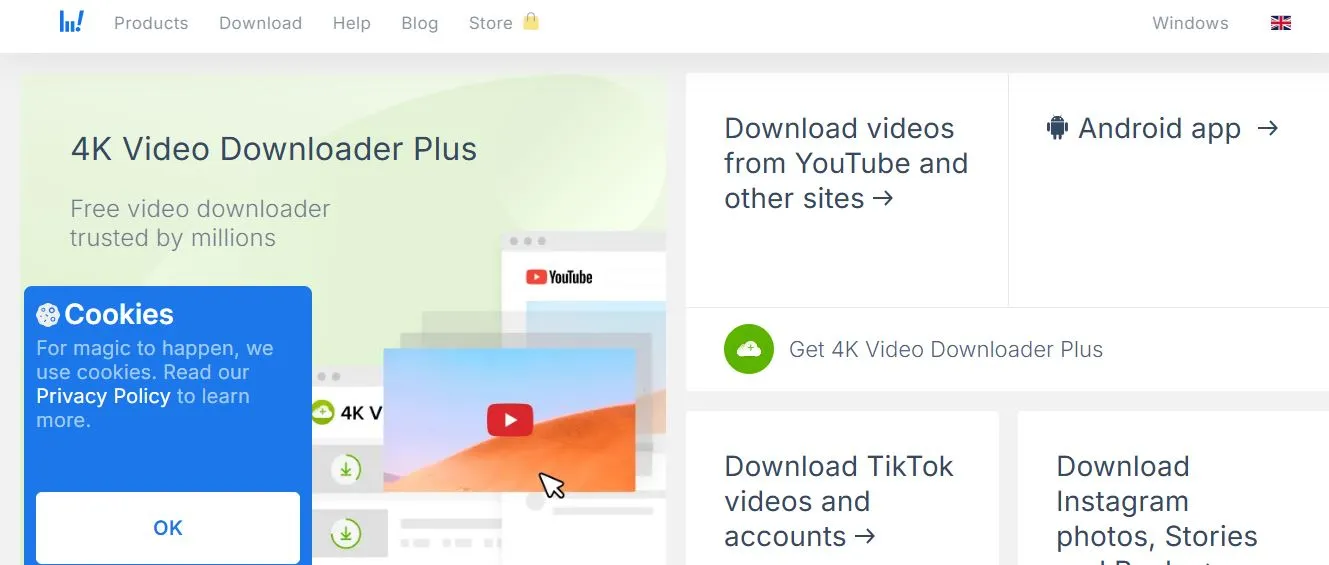
4K Video Downloader Plus
A desktop application for managing video downloads and formats through a graphical interface instead of a command line.
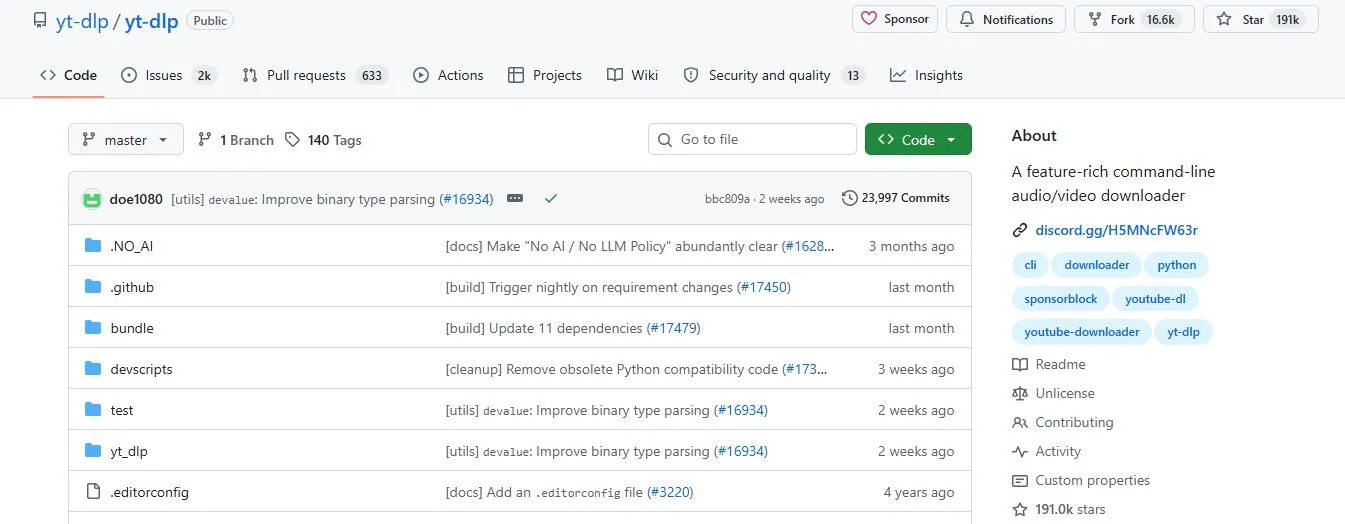
yt-dlp
A free, open-source command-line media downloader popular with technically comfortable users who want more control over formats and automation. WebGi Solutions’ developers use tools like this in their own testing workflow.
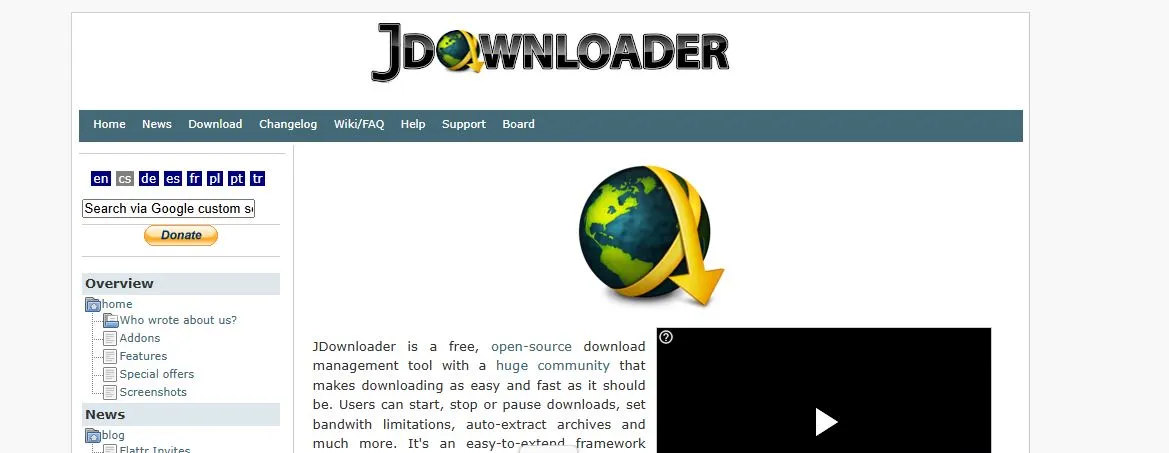
JDownloader
A free, open-source download management application built to organize downloads and supported links through one desktop interface.
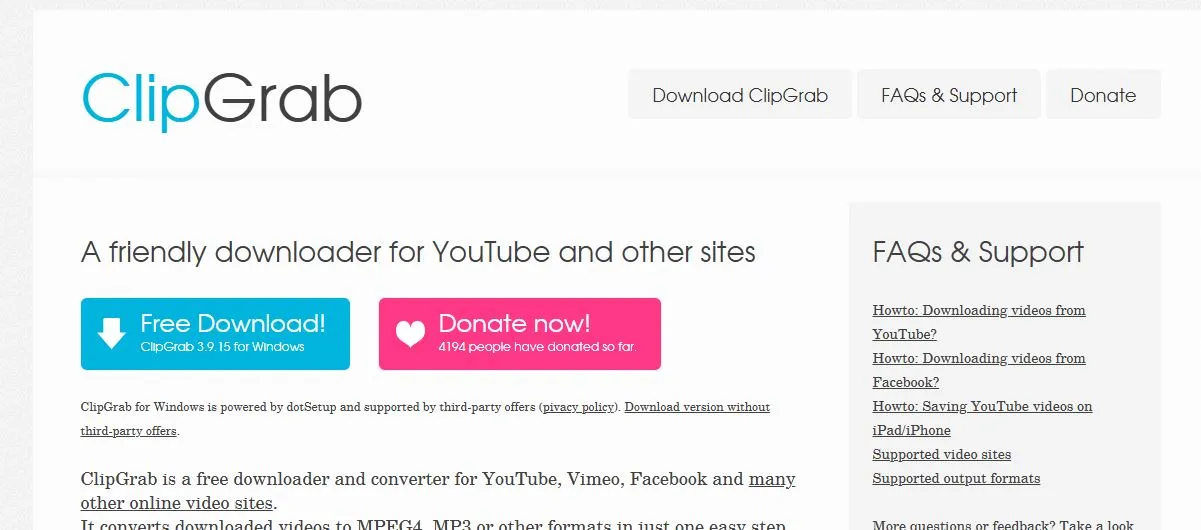
ClipGrab
A desktop application focused on downloading and converting online videos, with a simple interface for users who want an uncomplicated workflow.
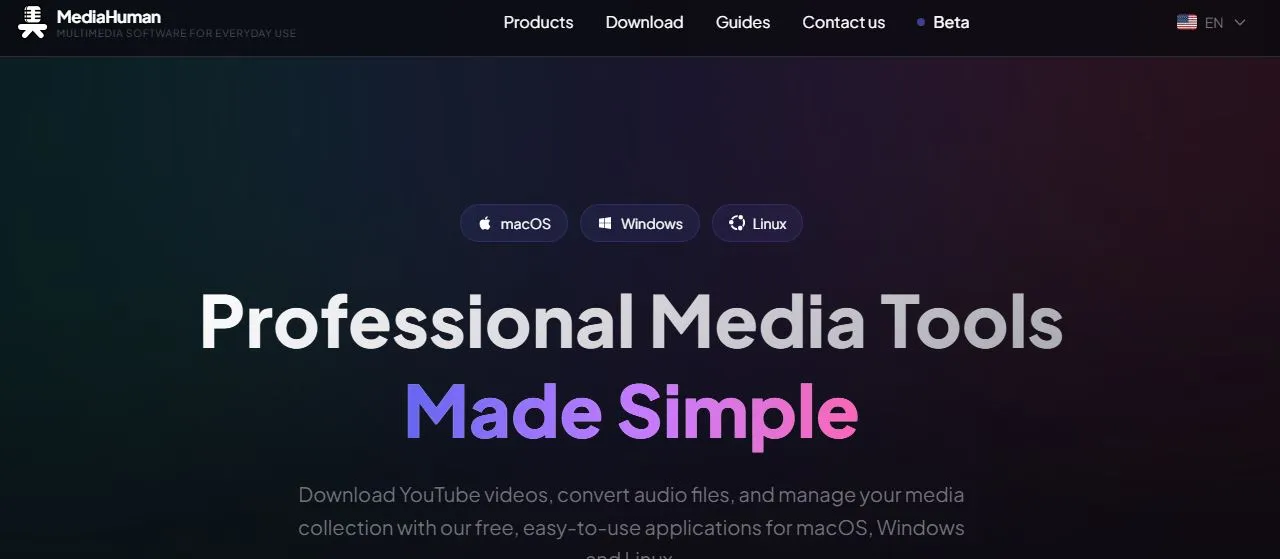
MediaHuman YouTube to MP3 Converter
Focused on extracting audio from supported online video sources — relevant if you’re after a YouTube audio downloader rather than video playback.
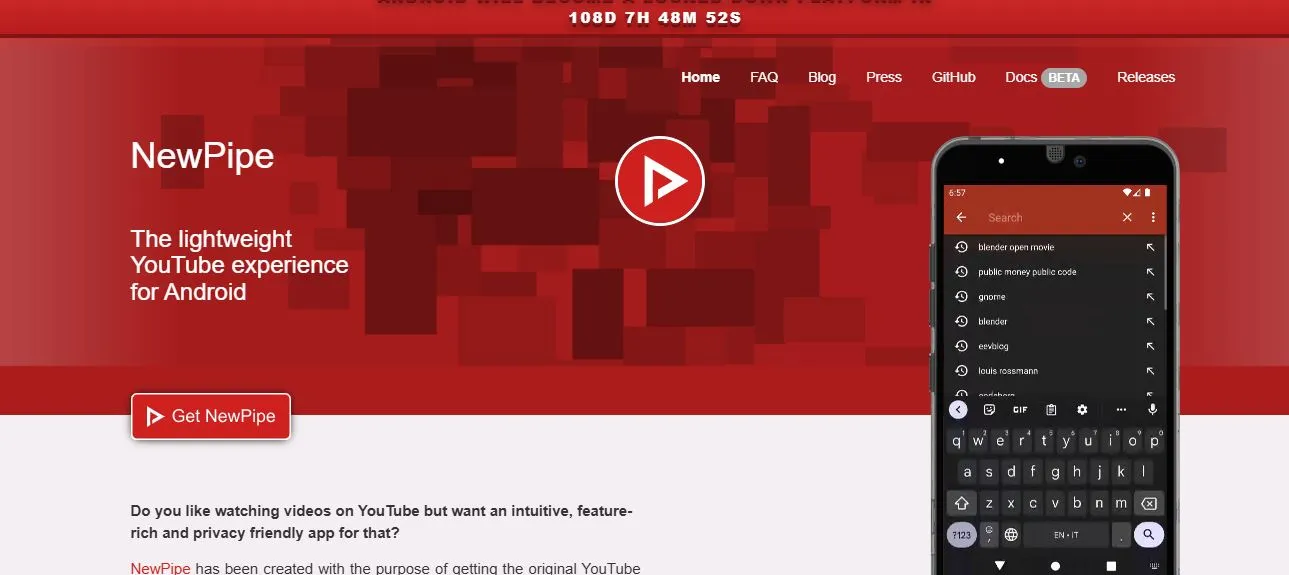
NewPipe
A free, open-source Android app offering an alternative, privacy-oriented interface for supported YouTube content. Offline in-app playback isn’t the same as exporting a file.
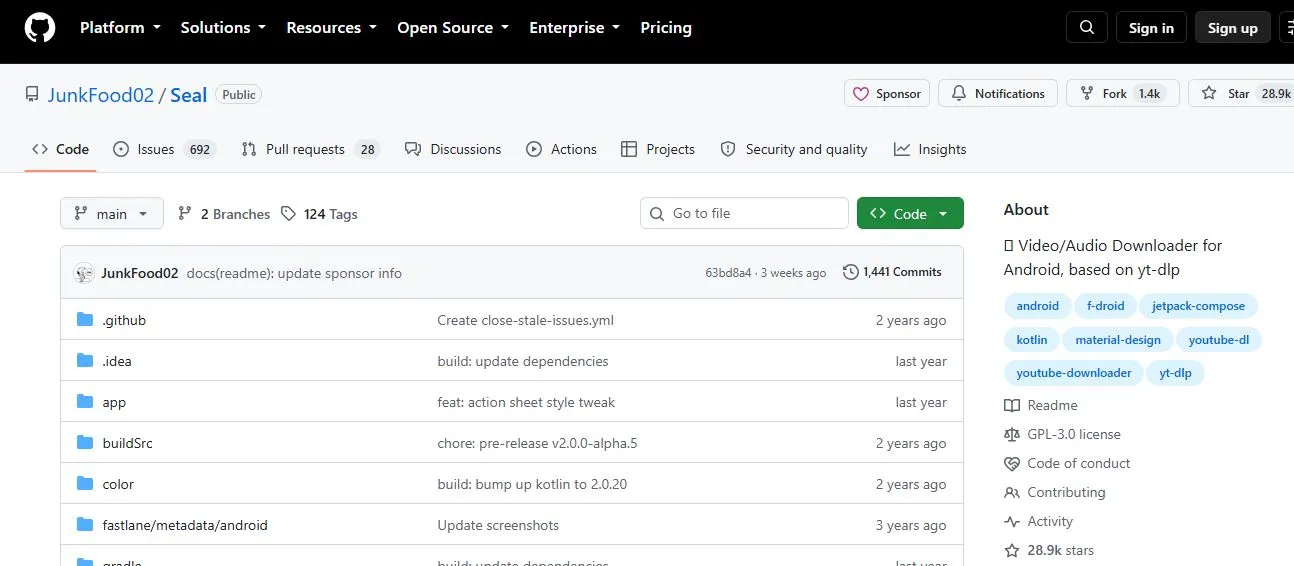
Seal
An open-source Android media downloader interface built around yt-dlp, aimed at a more graphical mobile experience.
Related guide
If your downloading needs go beyond YouTube — most mobile-first tools like NewPipe and Seal come up in the same searches as apps for saving reels and stories — WebGi Solutions’ companion guide to the top 10 Instagram video downloader apps covers the equivalent shortlist for that platform, with the same free-vs-paid and permission checks applied.
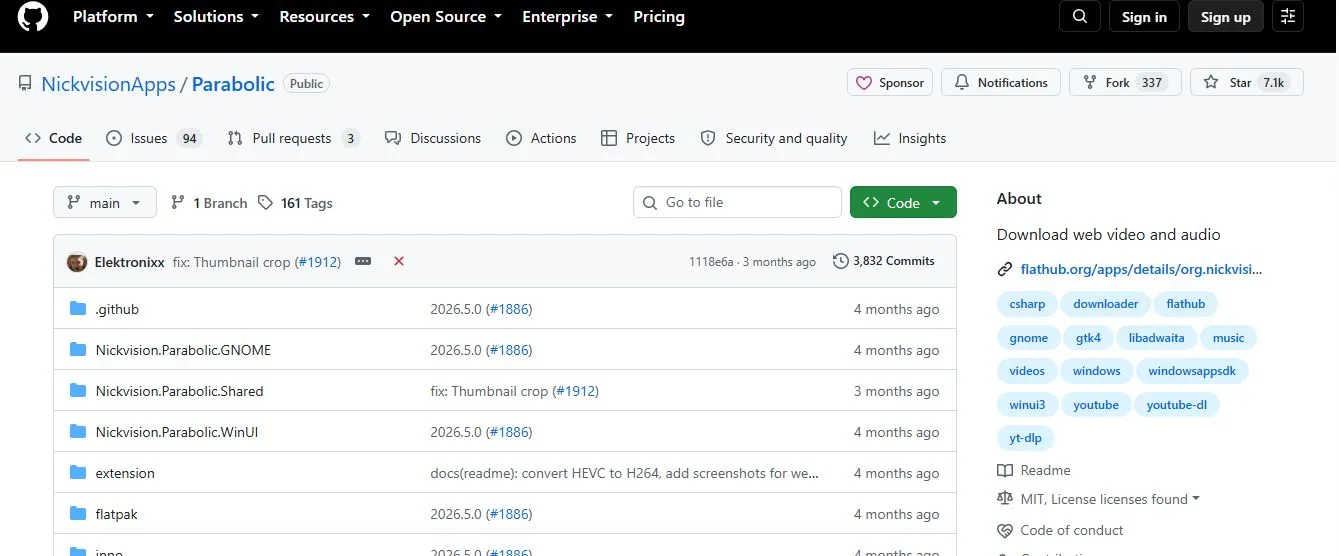
Parabolic
A graphical media downloader for desktop, built to make supported video and audio downloads accessible without a command line.
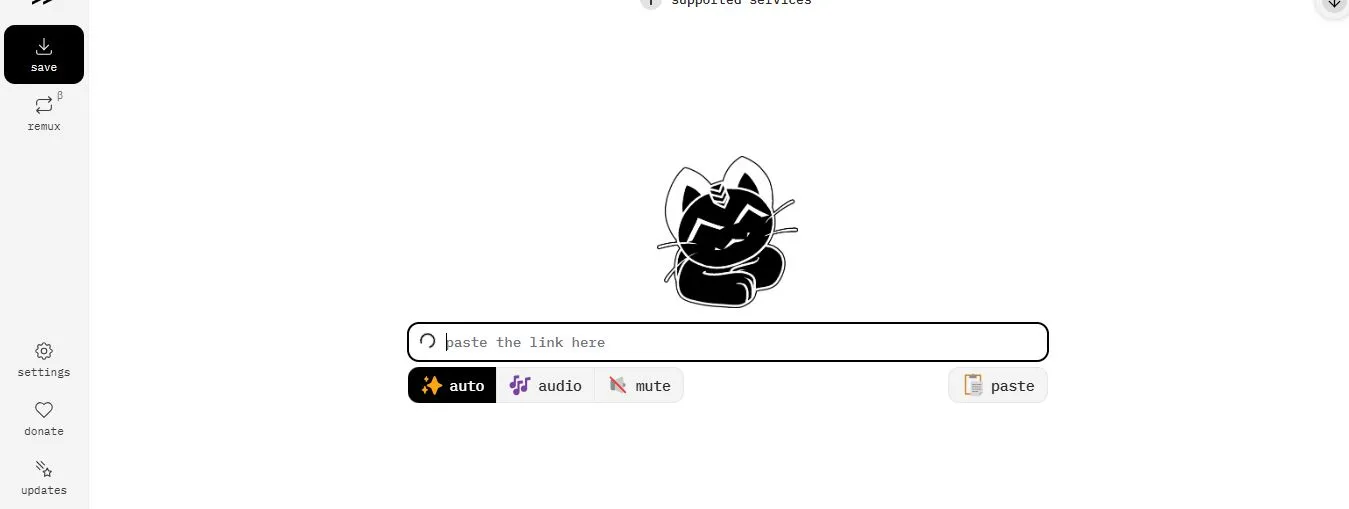
Cobalt
A web-based media-saving service with a simple experience for users who’d rather not install desktop software — though web tools can change availability without notice.
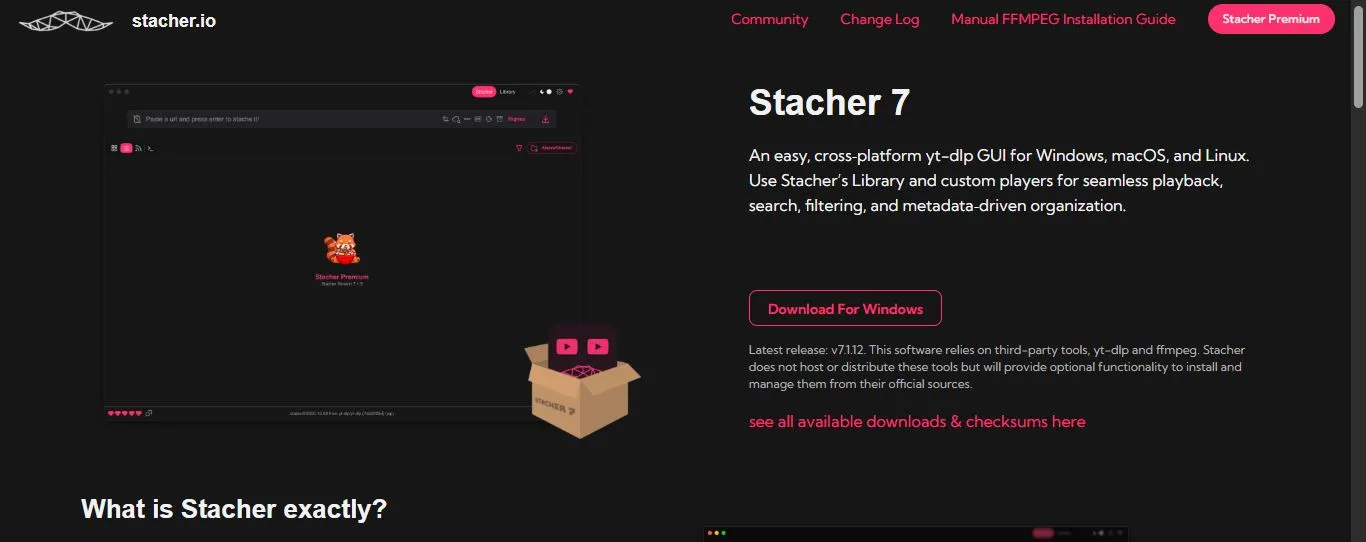
Stacher
A graphical application for media downloading, giving a desktop interface to users who’d rather not manage commands directly.
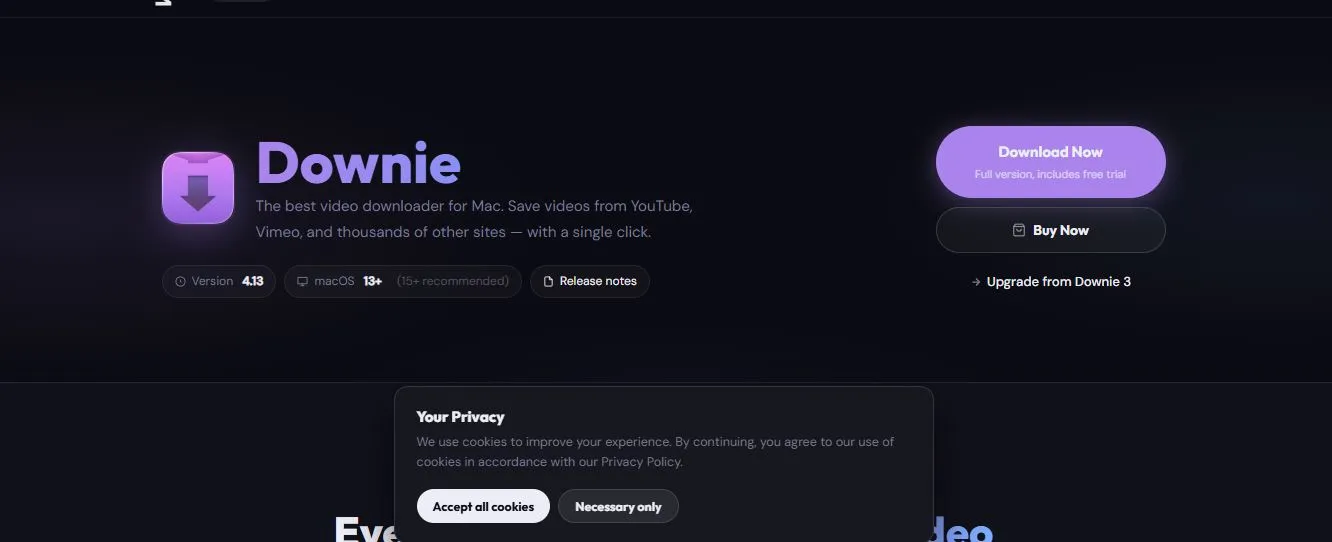
Downie
A macOS-focused video downloader built for Apple users who want a dedicated desktop experience for saving supported online videos.
MediaHuman YouTube Downloader
MediaHuman’s desktop video-downloading software, for users who’d rather manage downloads through a desktop interface.
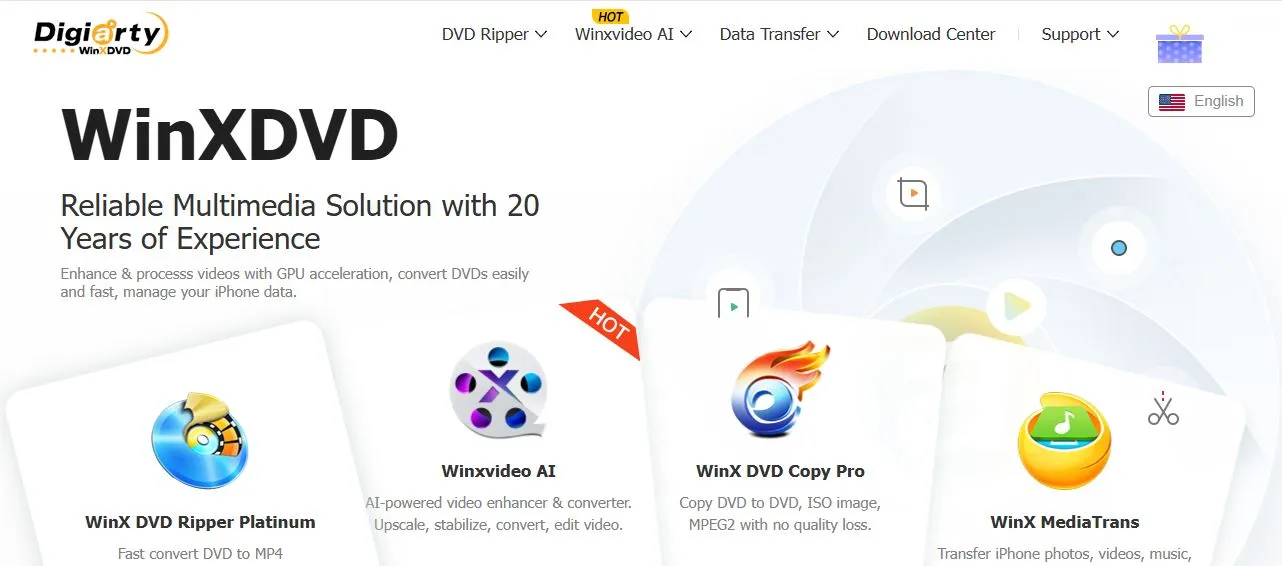
WinX YouTube Downloader
A desktop downloader from the WinX software range, aimed at users who want to save supported online videos through a Windows application.
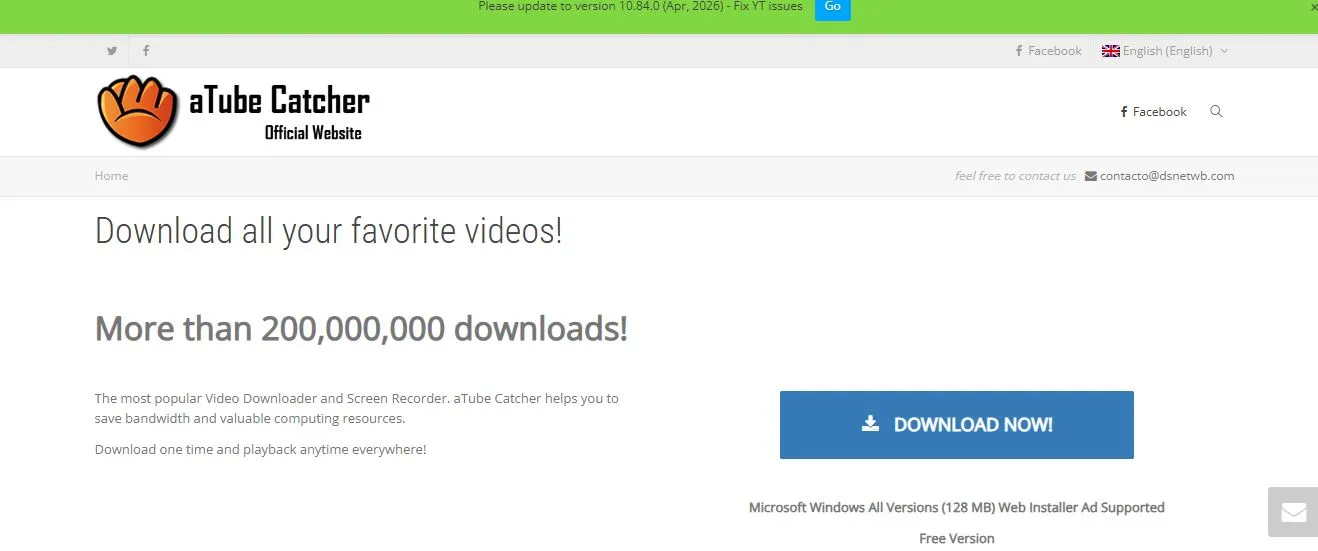
aTube Catcher
A Windows-oriented media downloader and converter that has historically offered features beyond simple video downloading.
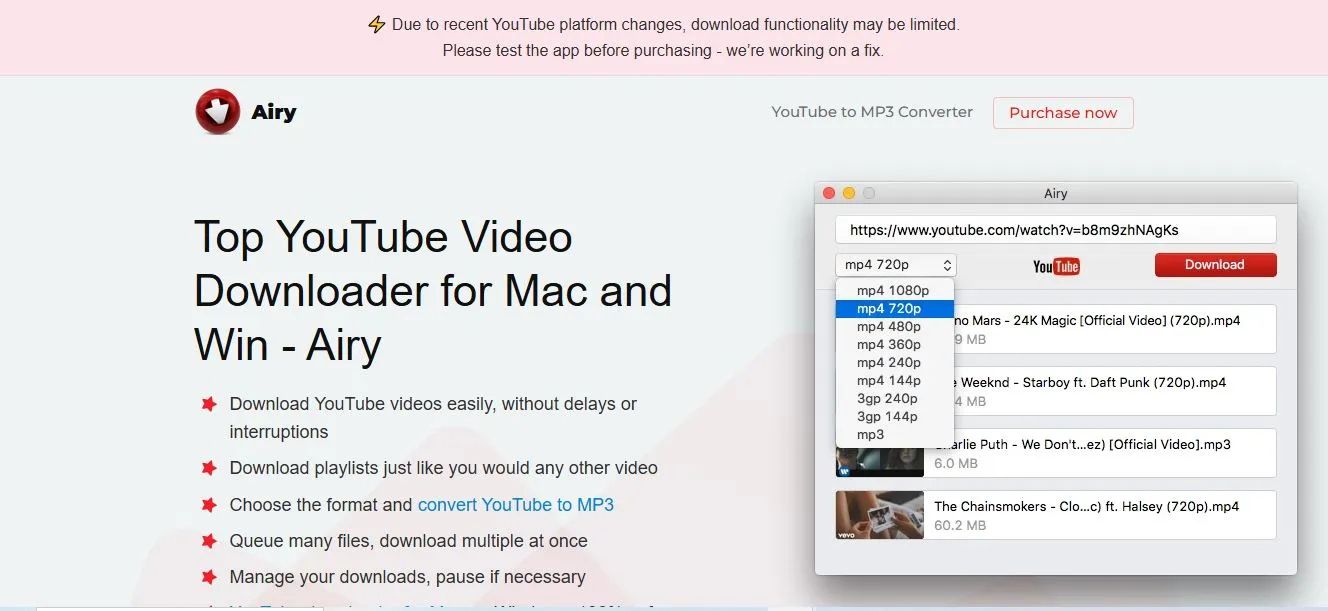
Airy
A desktop YouTube downloader built around saving supported online video content through a straightforward desktop workflow.
SnapDownloader
A desktop application focused on downloading online videos and managing supported media formats, with additional download-management features.
VideoProc Converter AI
A broader video-processing application that includes conversion and media-related features beyond simply saving a video.
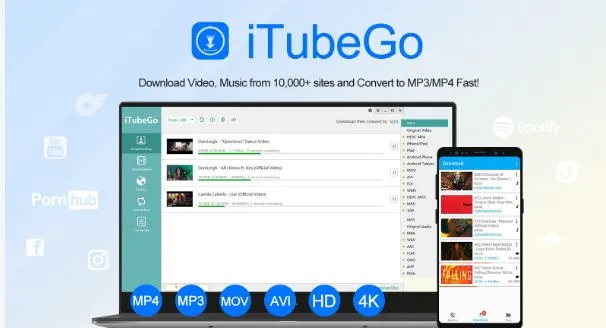
iTubeGo
A media-downloading and conversion application available across supported devices, often considered for its video and audio conversion options.
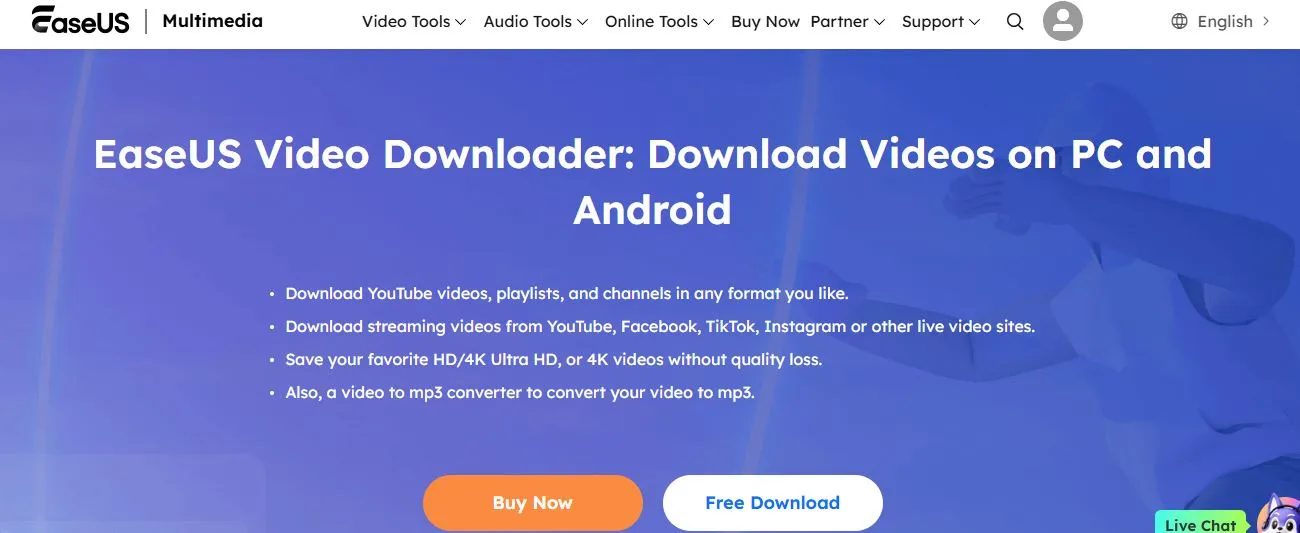
EaseUS Video Downloader
A desktop media-downloading application built for users who want a graphical interface and downloading-related features.
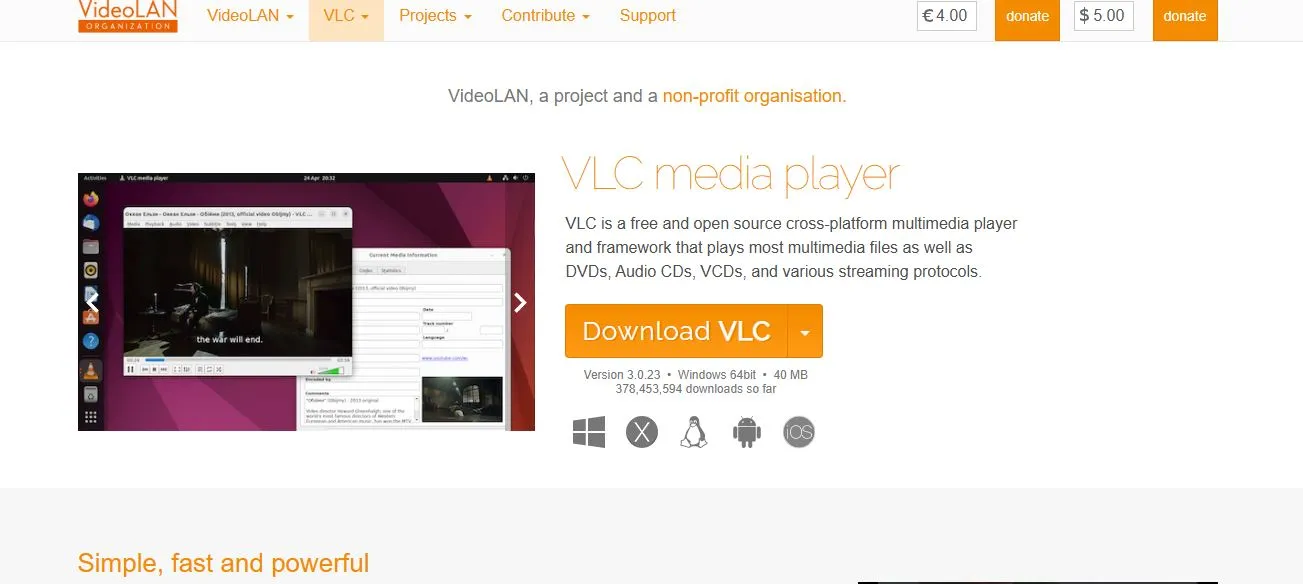
VLC Media Player
A free, open-source media player for major desktop platforms — primarily a playback application, not a dedicated YouTube downloading service. It doesn’t promise a universal downloader or MP3 workflow.
How to choose the best free YouTube video downloader
WebGi Solutions gets asked this question often: there is no single downloader that’s ideal for every user. Your choice depends on your device, the type of content you’re authorized to save, and whether you need video, audio, or media management.
Is it genuinely free?
Some apps have a real free version; others offer only a trial. Look for clear usage limits, transparent premium features, and no misleading download buttons.
Right device support
A Windows app may not run on macOS or Android. Confirm compatibility with your operating system before installing anything.
Video and audio formats
Check supported formats such as MP4 for video, and confirm the required audio format and quality — don’t assume every downloader supports every resolution.
Privacy and security
A trustworthy downloader shouldn’t need unnecessary passwords or excessive permissions. WebGi Solutions flags this as the step people skip most often — avoid suspicious installers and misleading ads.
Finally, read the limitations — a tool may be free but restrict playlist downloads, output quality, or the number of files you can process. Understanding these limits upfront avoids disappointment later, whether you’re comparing YouTube tools here or working through the Instagram downloader shortlist for a different platform.
Can you download YouTube videos or music for free?
YouTube provides authorized offline viewing through its own services, and creators may make content available for download. As WebGi Solutions advises in every version of this guide: for videos you own, use YouTube Studio’s official download functionality; for other videos, rely on YouTube’s available offline features or get permission from the rights holder.
A YouTube music downloader or YouTube-to-MP3 converter is designed to extract or convert audio from supported sources — but being technically able to extract audio doesn’t mean you have permission to download or redistribute copyrighted music. For music you’re authorized to use, check the creator’s download options, licensing terms, or an approved music library.
Are free YouTube downloader apps safe? Not every one is. WebGi Solutions recommends you visit the official website or verified project repository, check the publisher and documentation, never enter your Google or YouTube password into a third-party downloader, scan unfamiliar installers with security software, and review the permissions requested by mobile apps.
Need Something Built Instead of Downloaded?
WebGi Solutions writes guides like this one and the companion top 10 Instagram video downloader apps post — but our day job is building the software, websites, and AI tools behind real businesses. If that’s what you’re after, here’s where to start:
Frequently asked questions
What is the best free YouTube video downloader?
The best option depends on your device, desired features, and whether you need video downloads, audio conversion, or playlist management. WebGi Solutions recommends comparing a tool’s actual free features and limitations before choosing.
Which free YouTube downloader is best for PC?
Desktop applications such as yt-dlp, JDownloader, ClipGrab, and other established tools can be considered for authorized media workflows. The right choice depends on your technical experience and required features.
Can I download YouTube videos on Android?
Android users can explore authorized offline viewing and compatible media applications. Always check the app’s source, permissions, and current functionality before installing it — the same checks worth applying to any Instagram downloader app for Android.
Can I download YouTube audio for free?
Some tools support audio conversion, but only download or convert content you’re permitted to use. YouTube’s official app does not provide general MP3 file downloads for arbitrary videos.
Are all YouTube downloader apps completely free?
No. Some are open source or free to use, while others have trials, limitations, or paid subscriptions. Always verify current pricing on the official website.
Is downloading YouTube videos legal?
The answer depends on the content, permission, applicable law, and YouTube’s terms. Downloading your own content or content specifically authorized for download is different from downloading copyrighted material without permission. WebGi Solutions always recommends erring on the side of caution.
Final thoughts
A good free YouTube video downloader should be easy to understand, transparent about its limitations, compatible with your device, and appropriate for your intended use. Instead of choosing a tool only because it promises unlimited downloads or the highest quality, compare its actual features, privacy practices, and official availability — the same standard WebGi Solutions applies to every guide it publishes.
For the latest information, always check the official website of the tool you’re considering. And if your workflow spans more than one platform, our companion breakdown of the best Instagram video downloader apps follows the same evaluation criteria used throughout this guide.